Does AI room design keep my room's layout?
This structure lock is what separates a usable redesign from a pretty picture. If the AI invents a wider window, shifts a doorway or stretches the ceiling, the result is inspiration for a room you do not have, and none of it survives contact with reality. When the bones stay fixed, every choice in the render is one you could actually make: that sofa fits because it is drawn at your room's real scale, the paint reads correctly because it sits in your room's real light, and the rug ends where your floor actually ends. How the photo-to-render process works step by step is covered in our guide to AI room design from a photo.
The lock applies across everything restylai does with a photo: restyling into one of 24 designer styles or a style you describe in your own words, staging an empty room, decluttering, swapping materials on floors, walls or cabinets, and previewing a renovation. Changing the architecture itself is possible, but only on request. In the edit mode you type what you want, so "remove the wall between the kitchen and dining area" will move a wall, while everything you did not mention stays put. The default is always your layout, untouched.
The honest test is your own space. restylai's AI room design runs in the browser with nothing to download, and the first design is free with no signup. Upload a photo, pick a style, and check the result against the room you are standing in: same window, same corner, same proportions, new look.
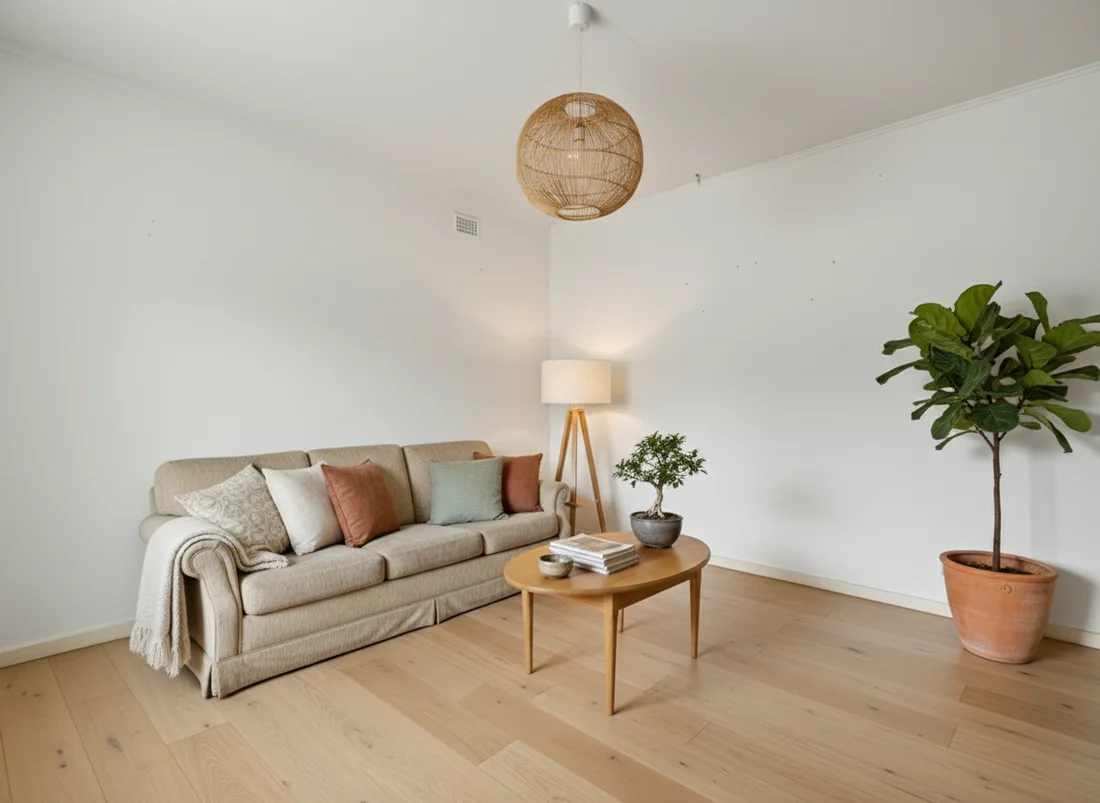 After
After
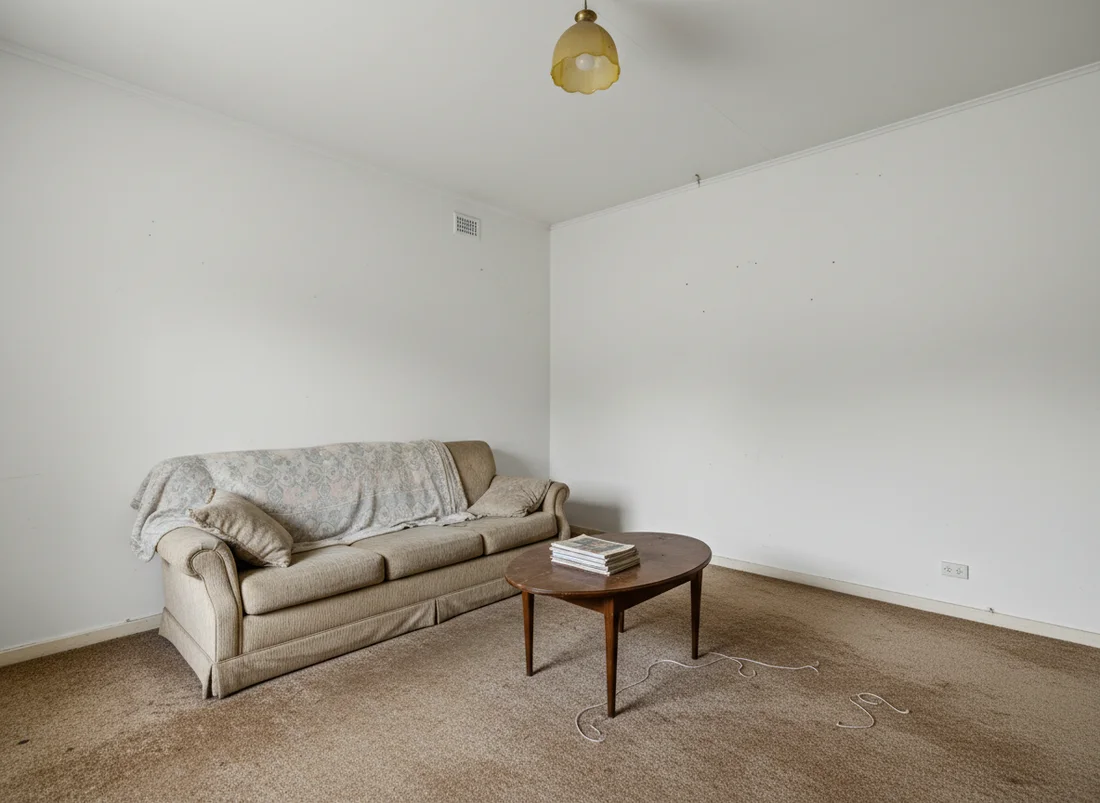 Before
See it on your own room
Your room, redesigned
Upload one photo and watch your room restyled in a wide range of designer looks. Your walls, windows and layout stay exactly as they are.
Try it free, no signupOne photo. In seconds. No signup.
More questions